Project Overview
Jepta is a hyperlocal social network built around the place you live. Instead of a global follower graph, it organizes people by proximity: chats attached to a street address or a building, group chats for the people who share it, and channels run by the bakery, the workshop or the club a few hundred meters away. Everything in the app — the chats you are offered, the channels in the feed, the posts you see first — is ranked by distance from where you are.
Netgineers GmbH came to us with the product defined and the backend under way, and needed the mobile side of it built: one Flutter codebase covering iOS and Android, for a product whose surface is unusually wide for a first release.
Onboarding
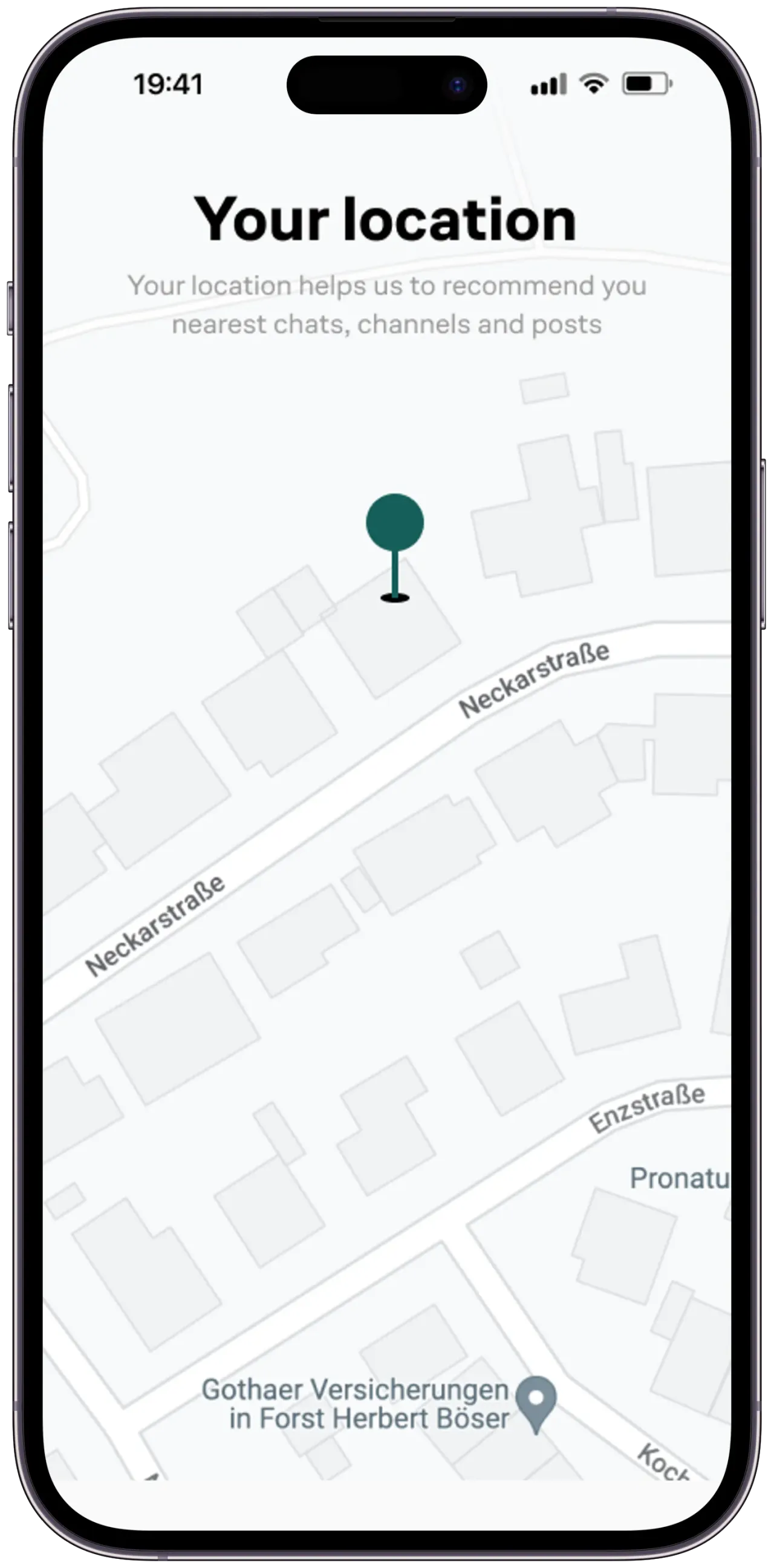
Location Permission
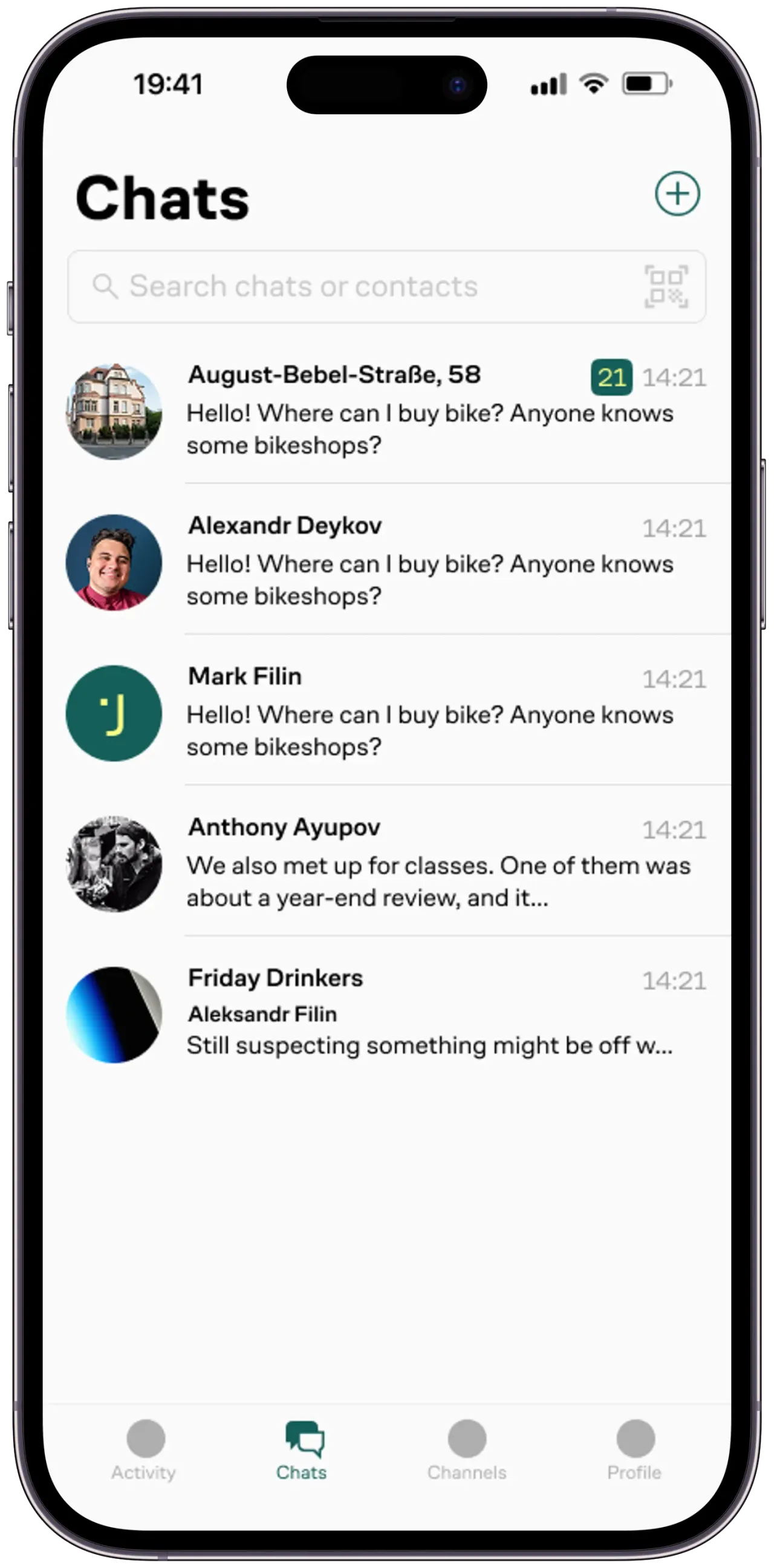
Chats List
Channel Feed
Channel Info
Channel Chat
New Post
The Challenge
Two things made this more than a standard build.
Scale of the screen surface
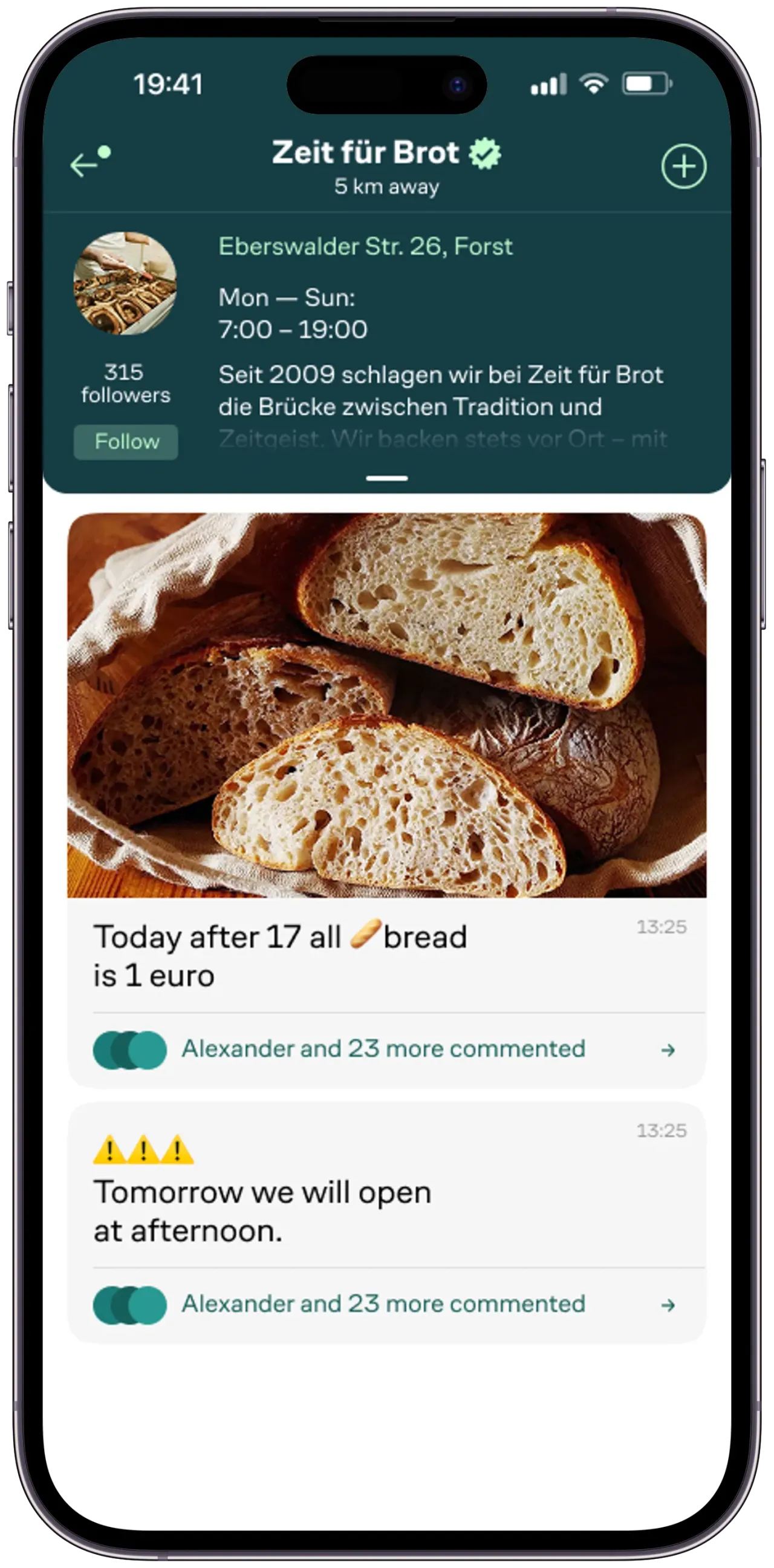
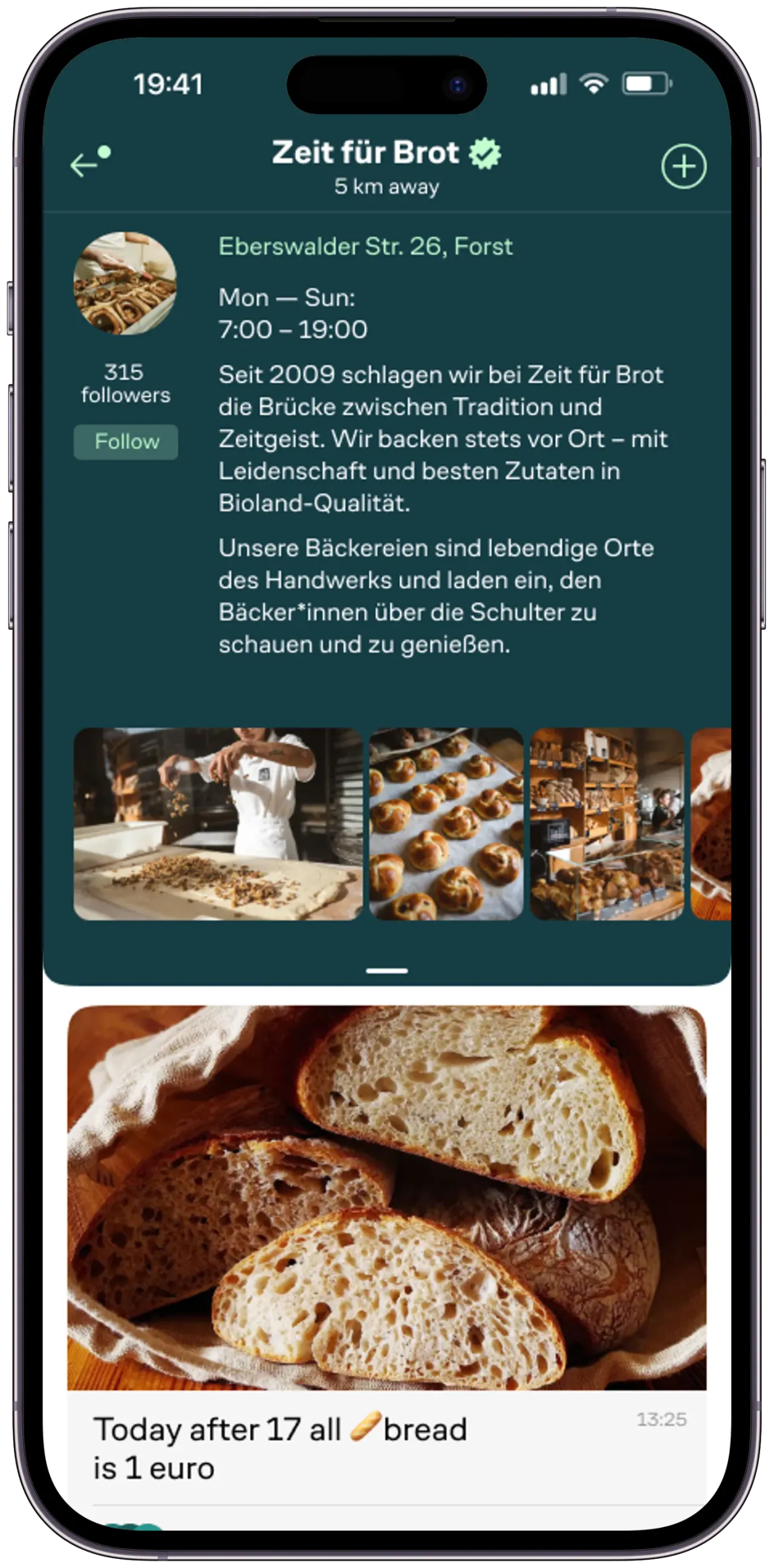
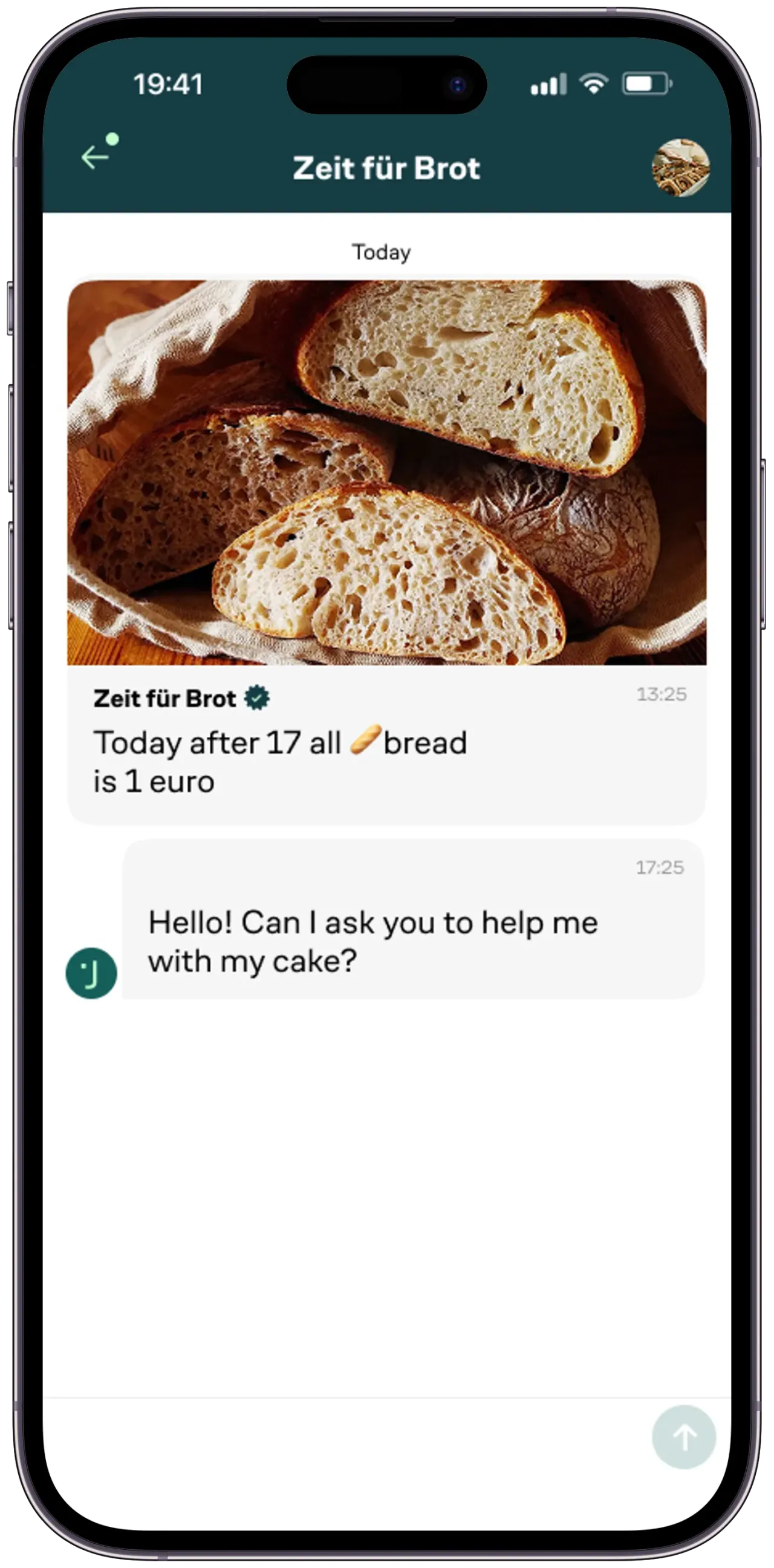
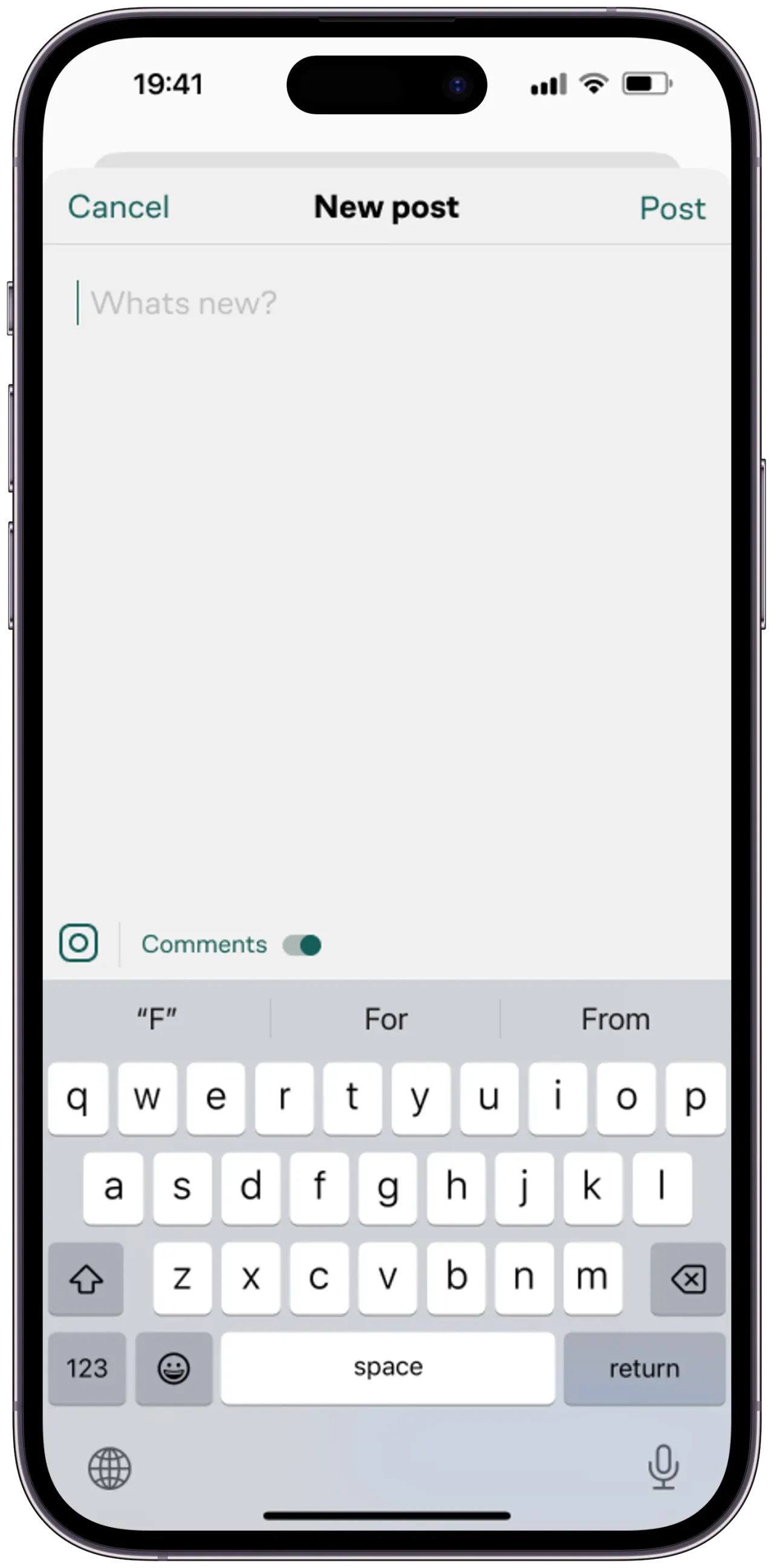
Jepta is not one feature with settings around it. Direct chats, group chats, address chats, a channel feed, channel profiles with opening hours and photo galleries, channel-to-user conversations, a post composer with per-post comment controls, an activity tab, a profile tab, search, adding contacts by QR code, location and permission flows — all of it in the first release, in a six-month window. At that count, screens stop being independent units of work: without a shared skeleton, every new one drags its own navigation quirks, its own loading and empty states, and its own copy of the same list.
Real-time everywhere
Chat is the obvious place WebSocket connections show up, but in Jepta they are not confined to it. A channel post arriving, a comment count moving, an unread badge on the chats tab, a message marked as read — the same live connection drives all of them, across screens the user is not currently looking at. Handling that per screen would have meant a connection per screen and state that disagrees with itself the moment a user switches tabs.
Our Approach
We treated both problems as one: build the shared parts first, then let screens be thin.
One real-time layer, many consumers
The WebSocket connection lives below the UI as a single client owning its own lifecycle — connect, authenticate, heartbeat, reconnect with backoff, resubscribe. Screens do not open sockets; they subscribe to typed event streams and are handed updates. Messages sent while the connection is down are queued and flushed on reconnect rather than lost, and delivery state (sent, delivered, read) is tracked as part of the message model instead of being inferred from what happened to arrive. Because the layer is shared, a message landing in a chat the user has open and an unread badge incrementing on a tab they are not looking at are the same event handled once.
A screen skeleton instead of screen-by-screen craft
With that many surfaces, the win came from making them uniform: one navigation graph with typed routes, one State management pattern applied the same way in every feature, and a shared set of list, loading, empty and error states. New screens were mostly composition — which is what made the volume tractable inside the timeline, and what kept the app coherent rather than looking like twenty screens built by different hands.
Location as a first-class input
Proximity is not a filter bolted onto the feed, it is the product's organising principle, so the location layer had to be dependable: permission flows that degrade gracefully when a user says no, cached coordinates so the feed is never blank while a fix is acquired, and distance rendered close to where content appears ("5 km away" on a channel header) so the ranking is legible rather than mysterious.
Results
Jepta shipped to iOS and Android from a single Flutter codebase inside the six-month window, with the full feature set intact — chats, channels, posts, comments and the location-aware feed in the first release rather than staged across several.
The architecture is the part that outlived the deadline. Because the real-time layer, the navigation graph and the state pattern were built once and reused, adding a screen after launch stayed a small change instead of a new integration with the socket, the router and the cache. For a product whose roadmap is "more surfaces", that is the difference that compounds.
Six months for an app this wide was the part that worried me. Jepta is neighborhood chats, business channels, posts, comments and a feed that reorders itself around wherever you happen to be standing — a long list of screens, a fixed date, and the realistic expectation that half of it would slip into a second release.
Nerdy Production built the shared foundations first — one real-time layer, one navigation model — and after that every new screen was cheap. We launched on iOS and Android with the full feature set, chat has been dependable from day one, and extending the app since then has been a small job rather than a project. We got the product we specified, on the date we specified.

FAQ
Jepta was built as part of our Flutter app development service, and it is the anchor build behind our social & community app development practice — the same real-time layer, told from the community angle.